Sign, stamp and redact PDFs on your Mac
Sealpad is a free app for everyday paperwork. Place a signature and a company stamp, cover an account number or blur an address so it is really gone. It works on PDFs, phone photos and screenshots.
For macOS 15 or later, on Apple silicon and Intel. No account needed.
Signatures and stamps without the white box
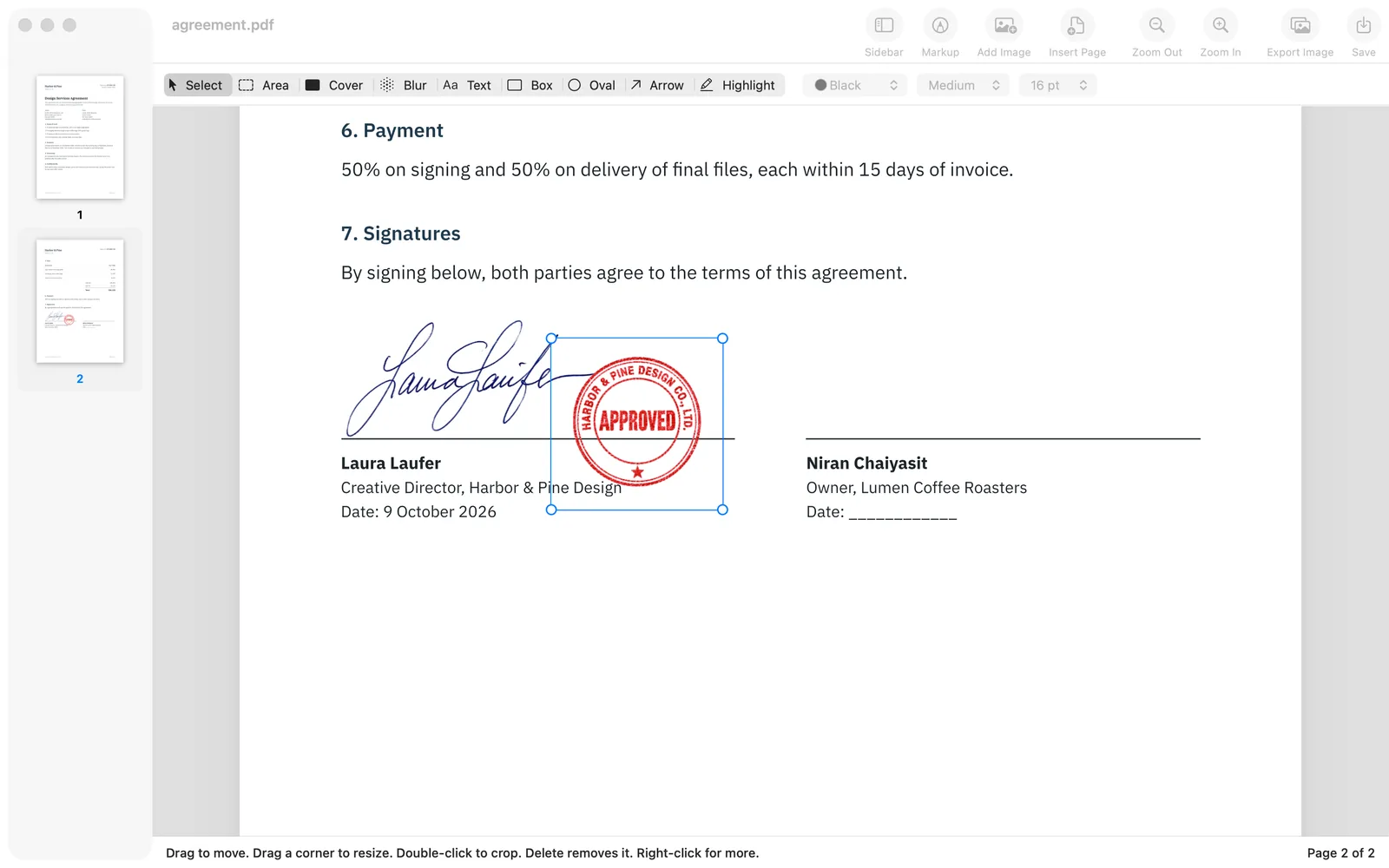
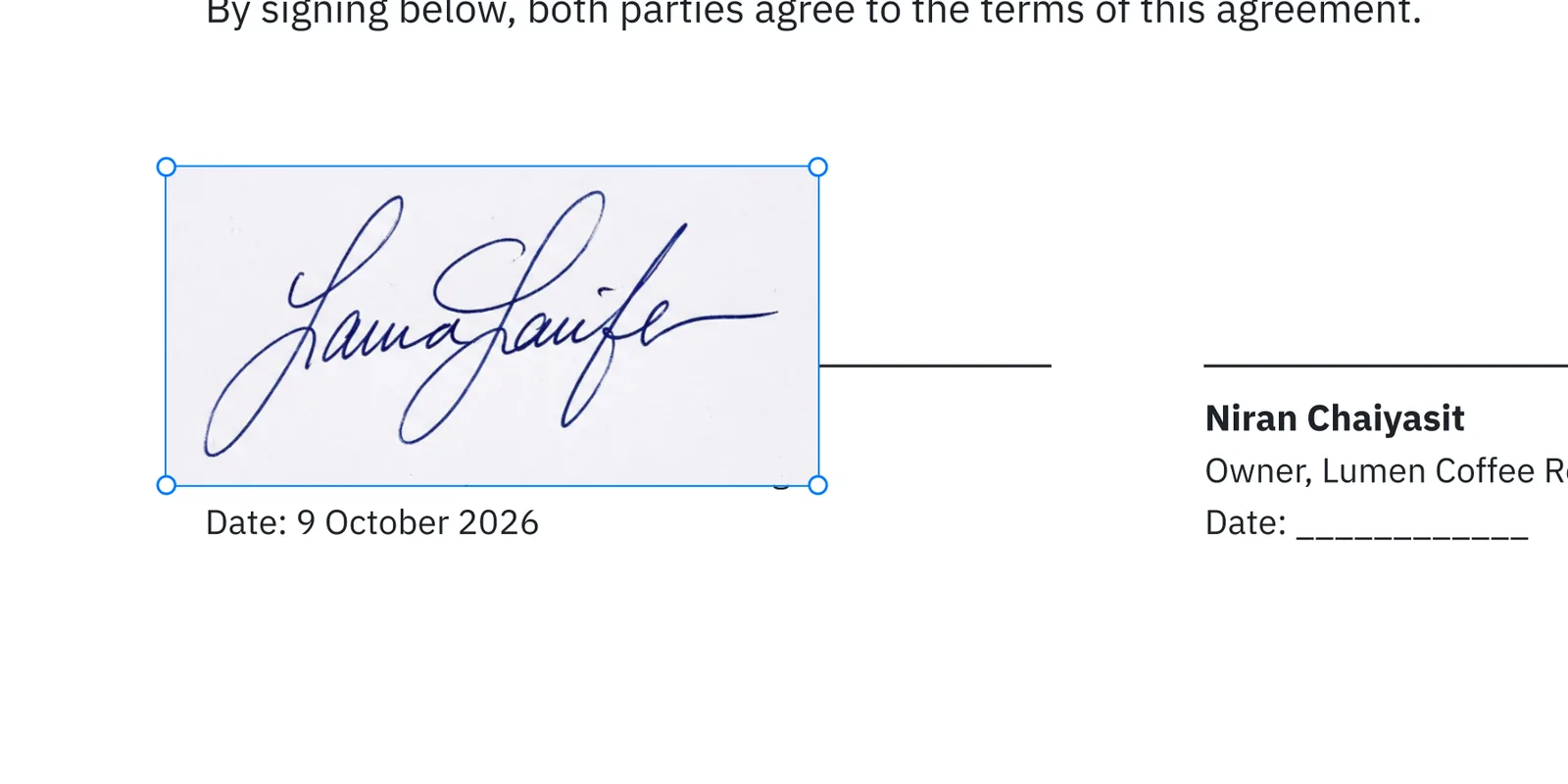
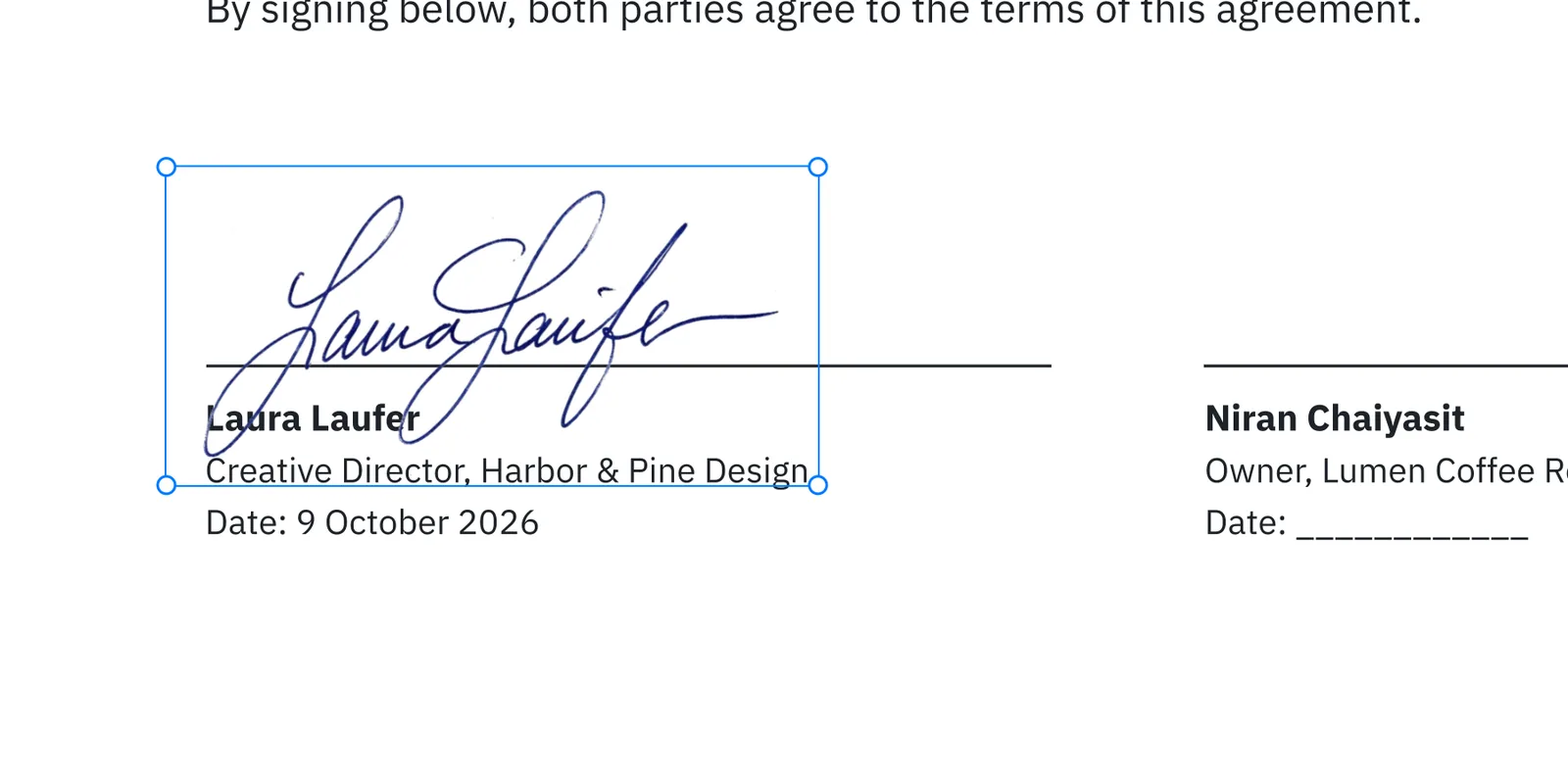
Drag a signature image in from Finder, or copy it and press ⌘V. Right-click and choose Remove White Background: the paper around the ink turns transparent, so the line and the name under it show through as if you had signed with a pen.
How to remove the background from a signature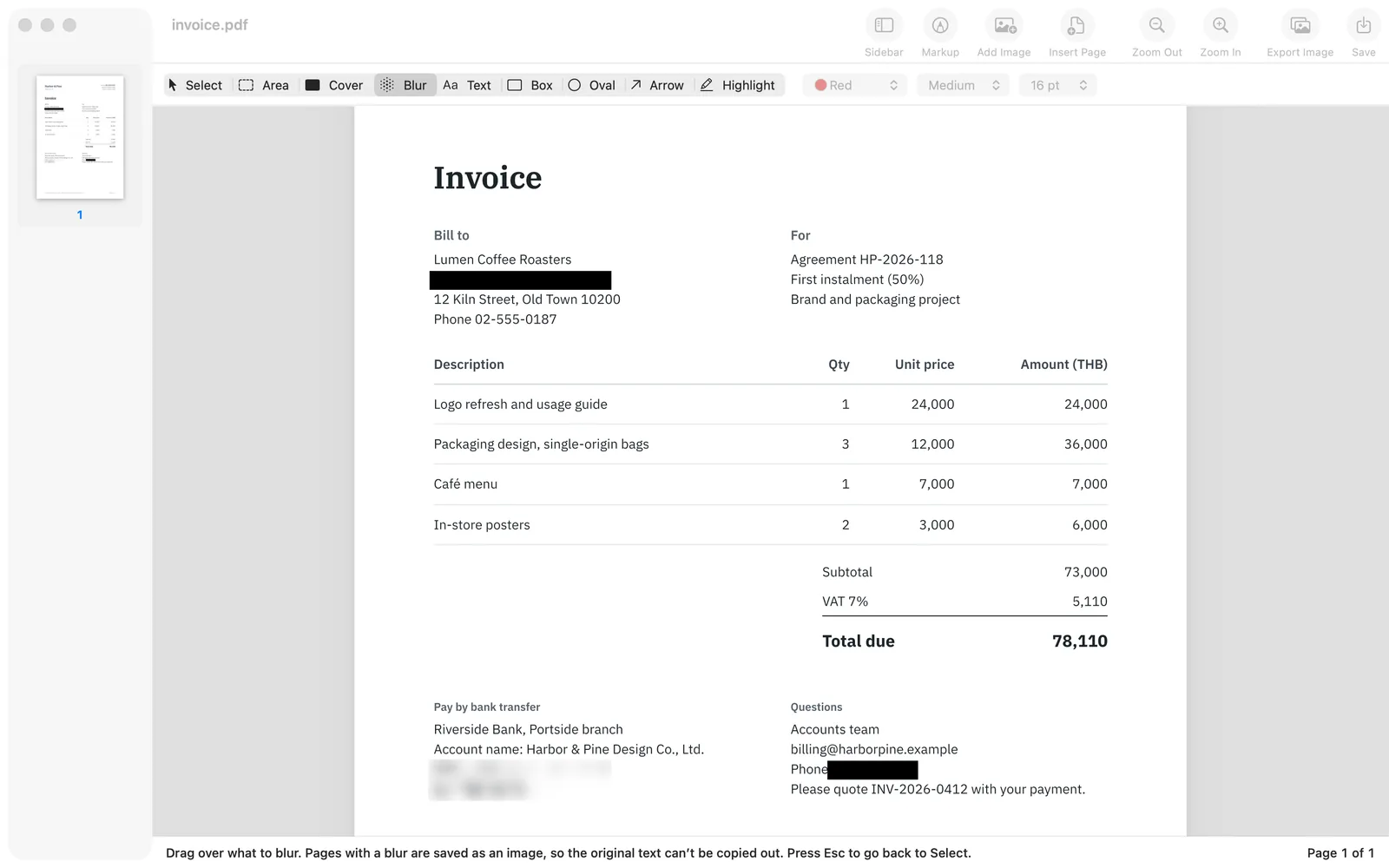
Covered means gone
Draw a Cover box over an account number, a phone number or a name, or drag Blur over it. Pages with a cover or blur are saved as an image of the page, so the text underneath is removed from the file, not just hidden under a black box like in many PDF apps.
How to redact a PDF for free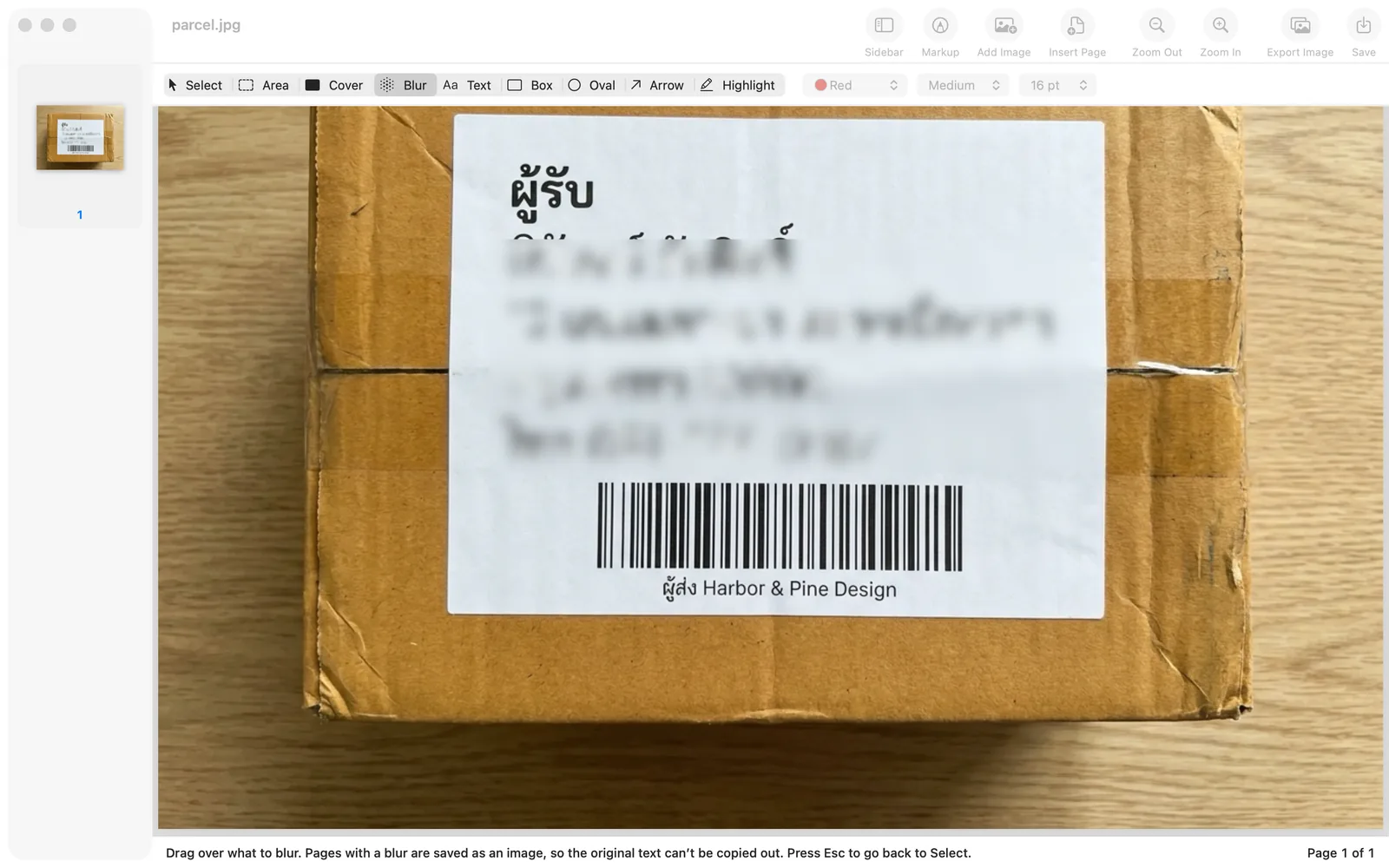
Photos and screenshots too
Open a JPG, PNG or HEIC photo from your iPhone. Blur the name and address on a parcel label before you post a review, then save it back at its original size. Drag the Area tool over a part of a picture, then press ⌘C to copy it as an image or ⌘K to crop to it.
How to blur part of an image on a Mac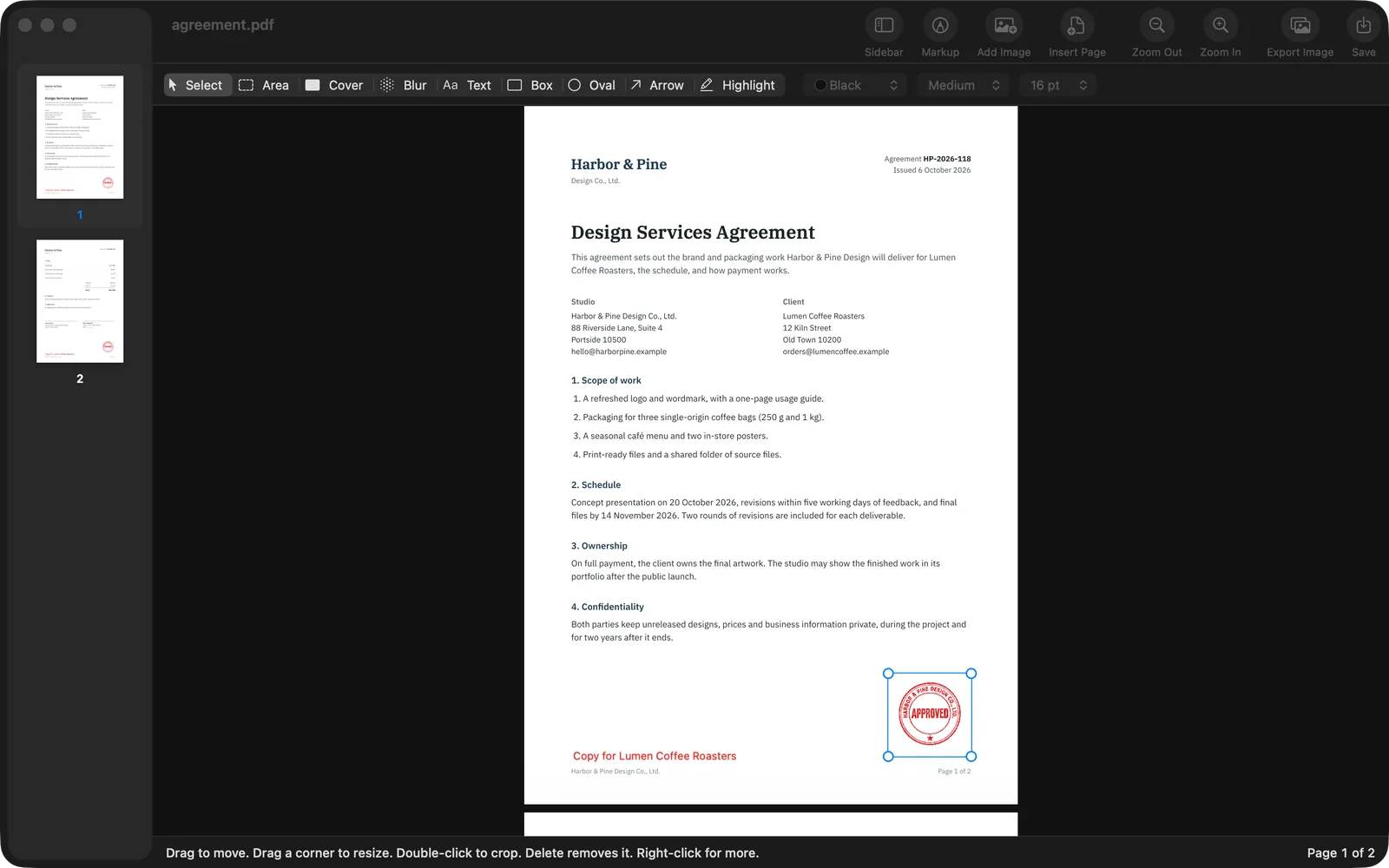
One stamp, every page
Place a stamp or logo once on a multi-page contract or quote, right-click and choose Repeat on Every Page. It lands in the same spot on each page. Add a note such as "Copy" with the Text tool the same way.
How to add a company stamp to a PDFWorks on your Mac and never touches the original
Files stay on your Mac
No account, no upload, no usage tracking. Everything works offline.
Originals stay as they were
Every file opens as a copy, and saving always asks where to put the new file.
Dates at the front of file names
Like 2026-10-16_quote.pdf, so a folder sorts itself by date.
Undo anything
Everything stays movable and editable until you save, and ⌘Z undoes any step.
Export as images
Export one page or all of them as PNG or JPEG at 150 or 300 dpi.
Notes, arrows, highlights
Type notes, draw arrows, boxes and ovals, highlight lines, in your choice of colour and size.
Paperwork jobs people ask about
Step by step, with screenshots of the real app.
How to sign a PDF on Mac and add your signature
Place your signature image on a PDF, remove the white paper and save a signed copy.
How to redact a PDF for free on Mac, so the text is really gone
Black out, white out or blur text in a PDF so it cannot be copied from the saved file.
How to censor an image on Mac: blur or cover faces, names and numbers
Blur or cover faces, names, addresses and phone numbers in photos and screenshots.
How to remove the background from a signature and make it transparent
Make the white paper around a scanned signature transparent so the document shows through.
How to add an image to a PDF on Mac
Drag, paste or insert a picture into a PDF, then move, resize, crop or repeat it.
How to add a company stamp to a PDF on Mac
Place a company stamp image on quotes, invoices and contracts, on one page or every page.
How to crop a screenshot on Mac
Crop a Mac screenshot from the thumbnail, in Preview or in Sealpad, and blur parts first.
Questions
Is Sealpad really free?
Yes. Every feature is free, there are no ads, no paid version and no account.
Are my files uploaded anywhere?
No. Sealpad works entirely on your Mac, does not connect to the internet and collects no usage data, which makes it safe for documents with personal or company details.
Which Macs does it run on?
Any Mac with macOS 15 Sequoia or later, on Apple silicon (M1 and later) or Intel.
Why does my Mac warn me the first time I open it?
Because the app is not notarized by Apple yet while we prepare the Mac App Store release. Click Done, then open System Settings > Privacy & Security and click Open Anyway. The download page walks you through it.
Can I edit the existing text in a PDF?
No. Sealpad adds things on top of a page, such as signatures, images, new text, covers and blur, but it does not change the text already there. To change a word, cover it with a white Cover box and type the new word with the Text tool.
Is there an iPhone, iPad or Windows version?
Not at the moment. Sealpad is Mac only.